Published support lookup
Choose your device and emulator to see the team’s published support guidance.
Keep the current result for yourself or review it before asking for help.
Complete a check to enable the TXT download.
Which Pokemon Monomyth emulator should I choose for desktop play?
Team Monomyth strongly recommends mGBA for desktop play and also lists NanoBoyAdvance and RetroArch using the mGBA core. For someone starting from scratch, mGBA keeps the choice of emulator and core straightforward. This is a recommendation based on the team's support information, not a performance comparison measured by this site.
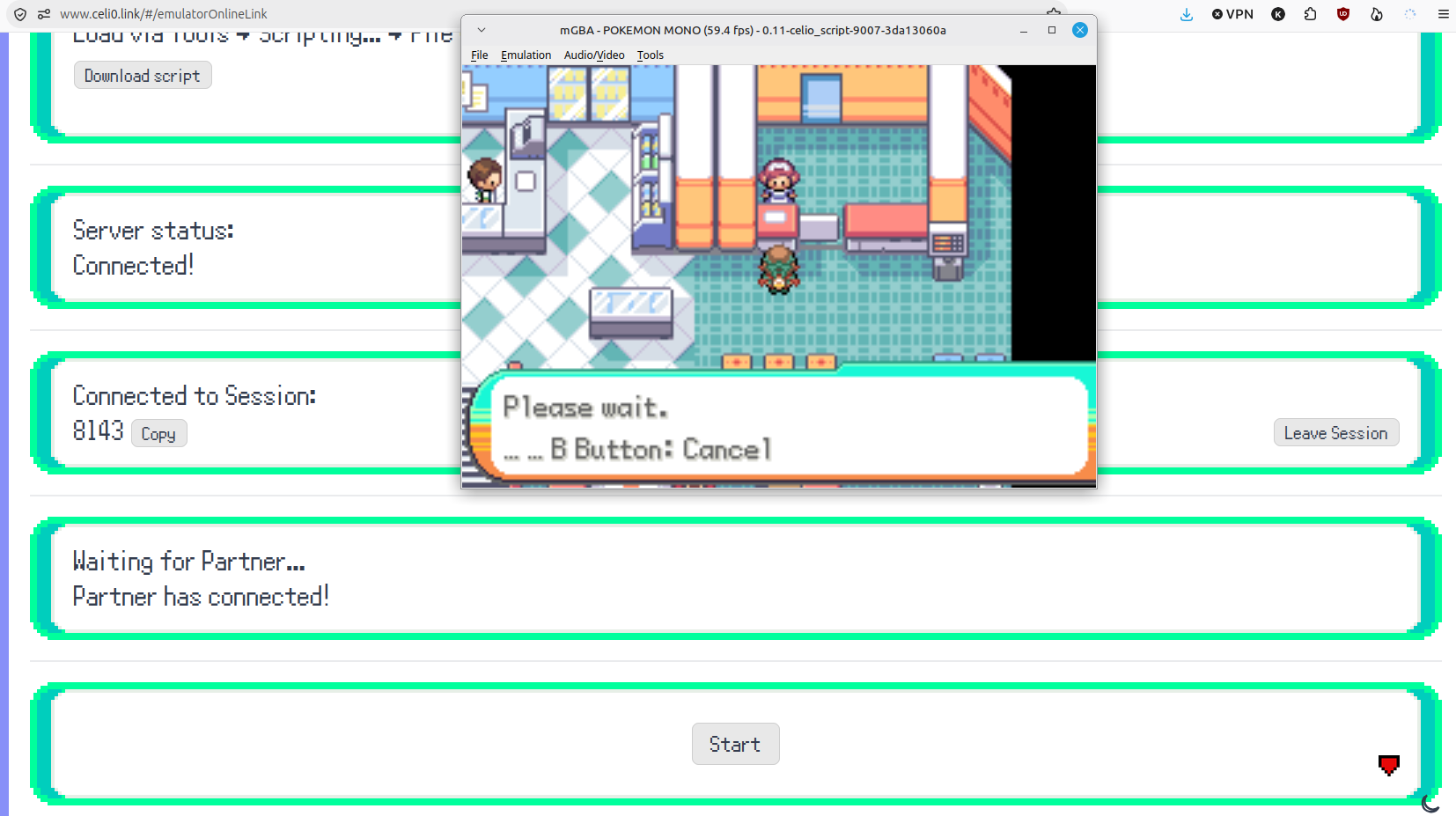
If online Link Trading is a priority, use the separate Celio Link instructions. The download page says desktop mGBA is the only emulator with confirmed online-trading functionality; the trading guide then specifies a configured Celio client and script. An ordinary launch in another supported emulator is not the same test.
iPhone and iPad: check the core, not just the app
The team's iOS list includes Manic EMU, SkyEmu and RetroArch with the mGBA core. For Manic EMU, select mGBA rather than VBA-M in its settings. SkyEmu is offered through a web app; the team's instructions use Safari's Add to Home Screen path.
The official page cautions that mobile RetroArch can be frustrating to configure and suggests trying other listed options first. That does not make it unsupported. Choose the workflow you can manage reliably, then verify launch and a normal in-game save before importing valuable progress.
Android: Pizza Boy or the mGBA core
Team Monomyth lists Pizza Boy and RetroArch with mGBA for Android. Its page says both Pizza Boy Basic and Pro work, so a paid edition is not a stated requirement just to play Monomyth. Follow the official store links from the team's page to identify the intended app.
If you choose RetroArch, verify that mGBA is the active GBA core. Installing the frontend does not guarantee that an imported game is using that core. Keep your emulator choice separate from online trading: the published Celio workflow requires a desktop computer.
Which emulators does the team exclude?
The published unsupported list names VBA on desktop, Delta on iOS, and MyBoy and John GBA on Android. The page also warns against apps limited to VBA, VBA-M or VisualBoyAdvance cores. These are Team Monomyth's compatibility statements for this game, not a general rating of those apps for every GBA title.
The team says other apps may work, particularly when they expose mGBA, but does not officially support them. Treat an unlisted app as unverified. Avoid spending hours on game progress merely because an opening screen appeared once.
Use a short compatibility checklist
Before moving your main save, try the patched game without replacing any existing files. Confirm launch, controls, normal saving and reopening. For a transfer, compare the loaded progress with the backup you intended to import. Keep a note of the exact app and core so a later update does not make your setup ambiguous.
If a problem appears, change one factor at a time. First confirm the patched file, then the supported app and core, then the save location. A clean launch test without your old save can help distinguish a game-loading problem from a save-import problem, while leaving the backup untouched.
- Normal play: verify your device's supported emulator list.
- Online trades: follow the desktop Celio Link client workflow.
- Existing progress: back up before importing or renaming a save.
- Unlisted app: describe support as unknown until verified.
Use the device selector as a support lookup
Choose your platform and emulator in this page's compatibility selector to look up the team's published status. If an app has several cores, use its actual selected core rather than the name of the frontend. A supported result means it appears in the team's guidance; it does not inspect your installed app or test a game file.
For an unknown or unsupported result, follow the suggested supported route and back up progress before moving. If your goal is an online trade, switch to the documented desktop Celio workflow even when the chosen phone app is supported for ordinary play.
Questions, answered
Can Pokemon Monomyth run in Delta?
Do I need Pizza Boy Pro?
Why does RetroArch still fail after installation?
Can a supported phone emulator trade online?
Does this page prove compatibility on my phone?
What should I do before switching emulator?
Sources & verification
- Team Monomyth: emulator support by platform ↗
- Team Monomyth: desktop online trading requirements ↗
- Libretro: mGBA core ↗
Updated · Monomyth Field Guide