Select a file, then start the check.
- Expected Emerald base
- 16,777,216 bytes · CRC32 1F1C08FB
- Expected Monomyth v1.0 output
- 33,554,432 bytes · CRC32 8441C61B
This compares declared size and CRC32 only. A match is not proof of lawful ownership, cryptographic authenticity or full game/emulator compatibility. Let the official patcher validate the base before applying a patch.
Reference: official v1.0 patch metadata, checked November 1, 2026.
Keep the current result for yourself or review it before asking for help.
Complete a check to enable the TXT download.
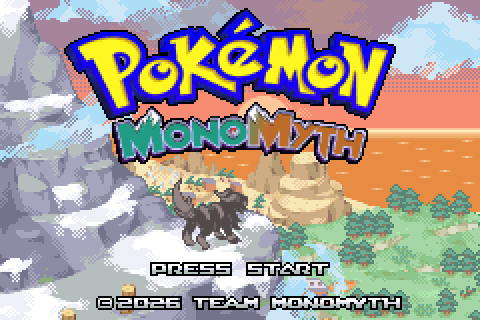
How do I prepare the files to play Pokemon Monomyth?
Use the team's download page as the patch source. The project is distributed as a modification of Emerald rather than a standalone game download. This guide does not supply an Emerald ROM. The team's About page places responsibility for an authentic original copy and applicable backup rules on the player.
Keep your original file separate from the patched output. A small folder with an untouched base, a working copy and your saves makes it easier to undo a mistake. Renaming an unrelated game file to Emerald does not make it a valid base.
- A clean, legally obtained Emerald ROM for the official patcher to validate.
- The current patch from monomyth.jp/download.
- An emulator listed by Team Monomyth for your device, or a suitable real-hardware setup.
- A separate backup folder if you already have Monomyth progress.
Apply the patch on the official website
Open the official Download page, choose the base ROM in its file selector and read the displayed ROM and patch information. The page provides CRC32, MD5 and SHA-1 fields and enables validation in its configuration. Use the requirements shown by that page rather than a checksum copied from an unrelated guide.
Select Apply patch and keep the resulting game file. The site's configured output name for this release is monomyth_v1_0. A manual patch link is also available, but that file is a patch, not a ready-to-run game. If validation fails, stop at this stage and investigate the base file; emulator settings cannot fix the wrong patch input.
Open the patched output in your emulator
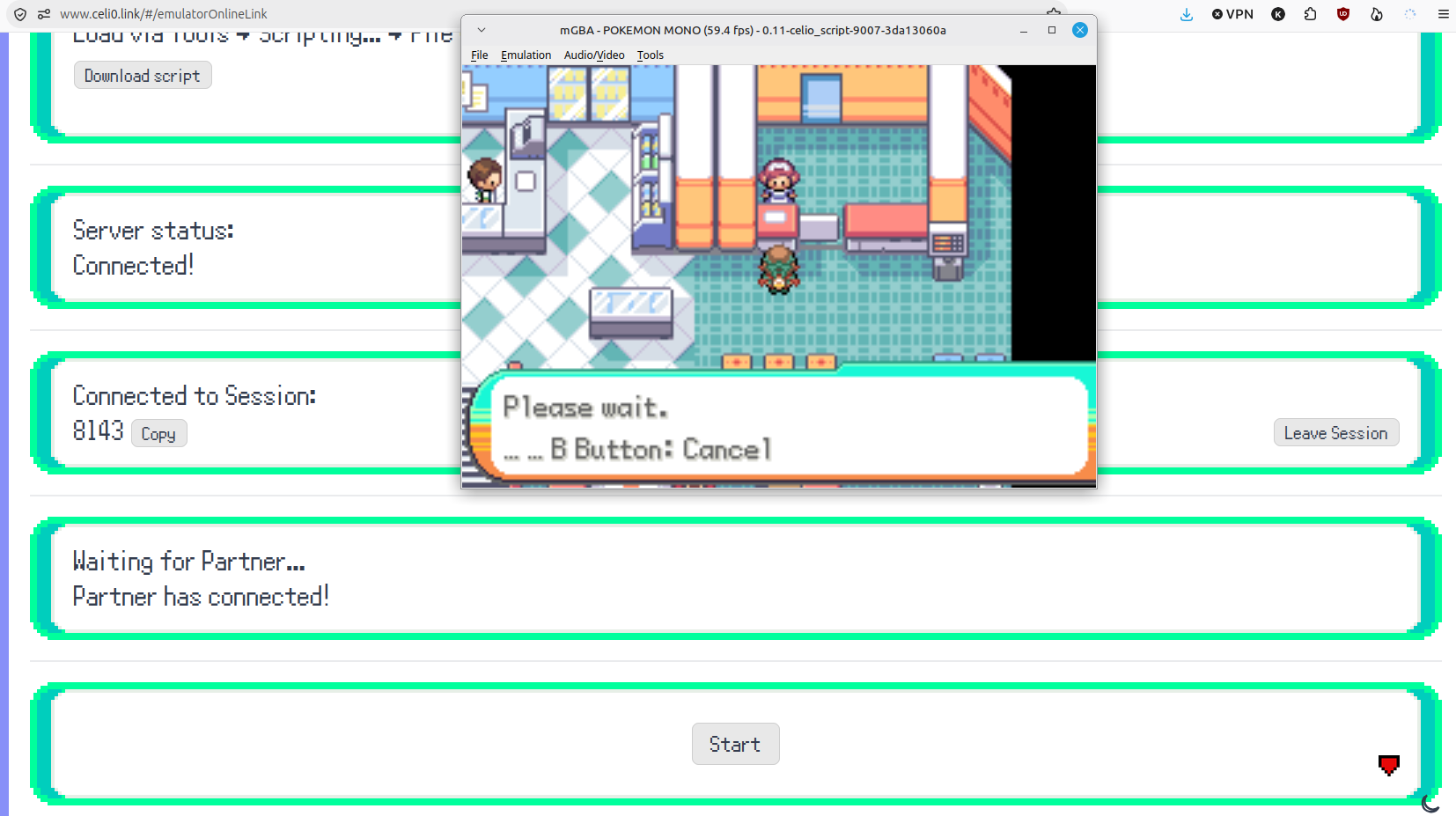
Import or open the patched game rather than the untouched Emerald file or the .bps patch. On desktop, the team recommends mGBA. On mobile, choose an explicitly listed option and check the emulator core when the app offers several. The name RetroArch alone does not identify the core running your game.
First reach the game's normal opening screens and confirm that the emulator accepts input. Treat this as a launch check, not proof that every feature works. In particular, being able to play on a phone does not establish support for the desktop online-trading workflow.
Make a first-save check before investing time
When the game lets you save normally, make an in-game save, close it cleanly and reopen it to check that your progress returns. This is our practical verification step, not a claim that we have tested your device. A successful first save helps expose a wrong file location or import workflow early.
Keep the ROM and its matching save identifiable. Before changing emulator or game version, preserve a copy of the last known working save. Do not assume an emulator save state is interchangeable with the game's normal save file.
Troubleshoot the stage that failed
A rejected input belongs to the patching stage. A patched game that will not start belongs to the launch stage: confirm which file you opened, then check the team's device list and core selection. Missing progress belongs to the save-import stage. Keeping these separate avoids repeatedly patching a good file to solve an unrelated emulator issue.
When asking for help, record the patch version, device, app name, selected core and the point of failure. Do not publish your original ROM. These details make a compatibility report more useful than a general 'it does not work' message.
Questions, answered
Is the .bps file the Pokemon Monomyth game?
Why does the official FAQ still mention a future release?
Can I solve a rejected ROM by changing emulator?
Does this guide include a ROM download?
Can I use an existing save immediately?
Should I apply the patch again to a file that matches the v1.0 output?
Sources & verification
- Team Monomyth: official patcher and emulator guide ↗
- Team Monomyth: distribution and ownership statement ↗
- Team Monomyth: FAQ ↗
Updated · Monomyth Field Guide